Vera Lite Smart Home Controller: Setup, Features, Compatibility & Complete Guide (2026)
What is Vera Lite?
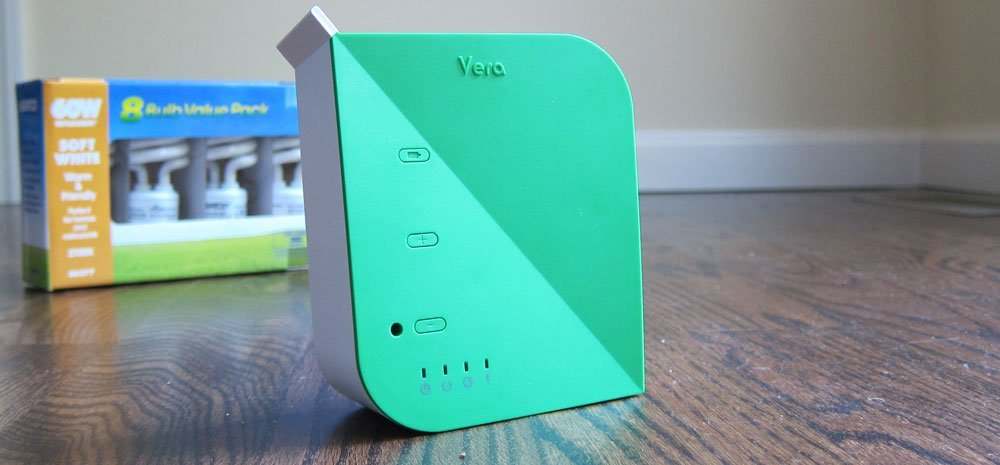
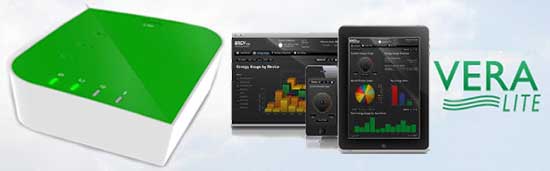
Vera Lite is a Z-Wave-based smart home controller that was designed to bring lighting, security, climate control, locks, and sensors into a single automation platform.
Although the controller is no longer one of the newest products on the market, thousands of installations are still operating in homes around the world. Many users continue to rely on VeraLite because of its dependable local automation capabilities and broad support for Z-Wave devices.
Unlike cloud-only smart home hubs, VeraLite was built to execute many automations locally, reducing dependence on an internet connection for everyday tasks.
This guide explains how VeraLite works, how to set it up, what devices remain compatible, and when it makes sense to upgrade to a newer controller.
Is Vera Lite Still Worth Using in 2026?
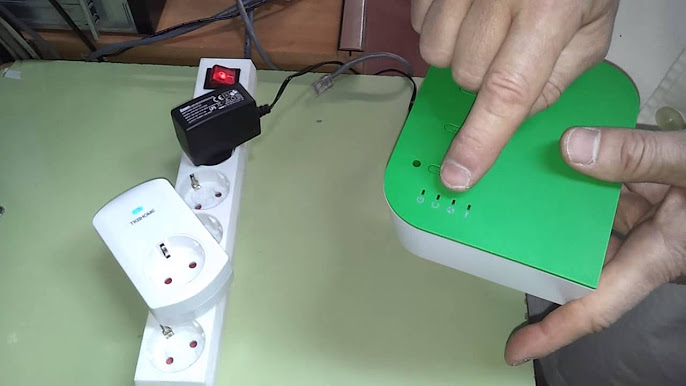
For many existing owners, the answer is yes, provided the controller meets their needs.
Vera Lite is particularly useful for:
- Existing Vera users who already have a working installation.
- Homes with mostly Z-Wave devices.
- Users who prefer local automation over cloud-only systems.
- Small and medium smart home installations.
However, users planning a brand-new smart home should also compare newer platforms that support Matter, Thread, and more recent automation standards.
The goal of this guide is to help both groups make an informed decision.
Vera Lite Features
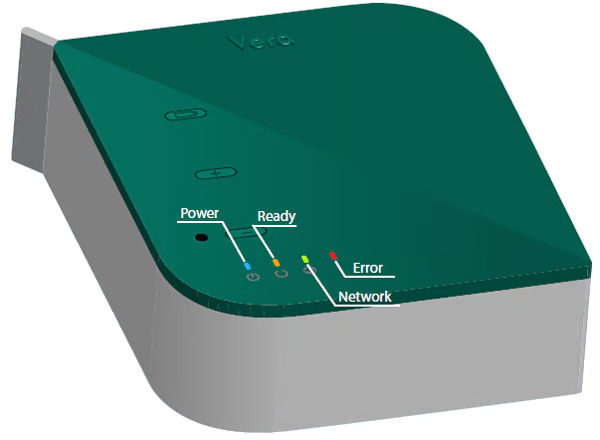
Vera Lite includes several features that made it one of the most popular home automation controllers of its generation.
Z-Wave Network Management
The controller can pair and manage a large number of compatible Z-Wave devices, including:
- Smart locks
- Motion sensors
- Door sensors
- Window sensors
- Smart switches
- Dimmers
- Thermostats
- Power outlets
Automation Scenes
Users can create automation scenes based on:
- Time schedules
- Sunrise and sunset
- Motion detection
- Door activity
- Sensor status
- Device state
- Multi-condition triggers
These scenes allow multiple smart devices to react automatically without manual control.
Remote Access
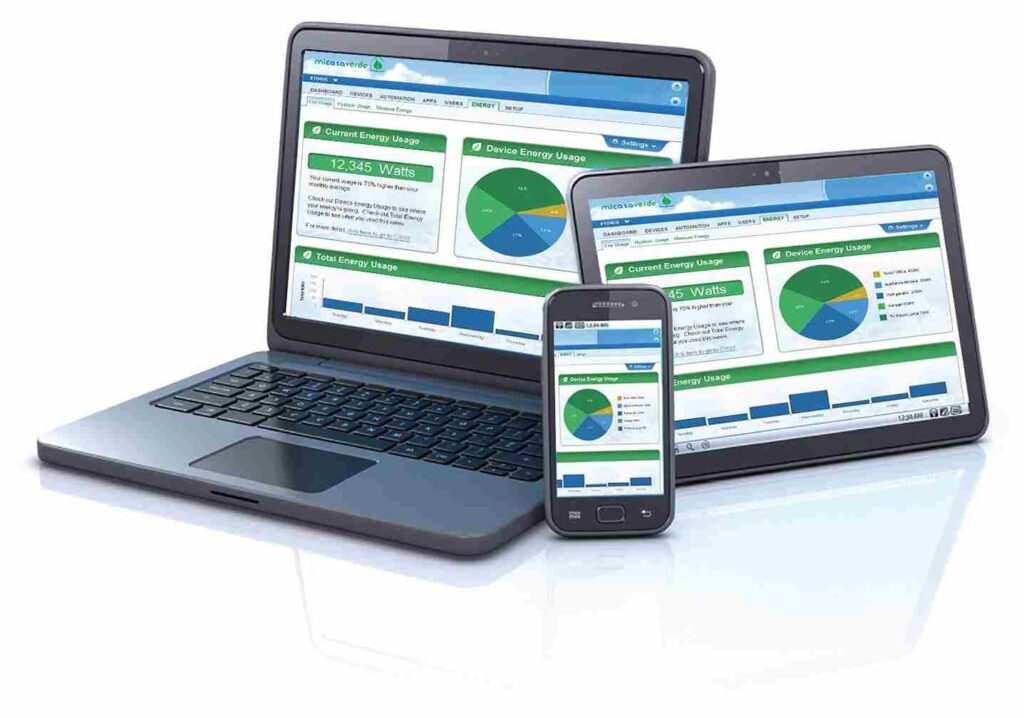
Once configured, Vera Lite allows users to manage their home remotely through supported web and mobile interfaces.
Typical remote actions include:
- Locking doors
- Viewing sensor status
- Turning lights on or off
- Running automation scenes
- Checking device health
Plugin Support
One of Vera Lite’s biggest strengths has always been its plugin ecosystem.
Plugins extend the controller with additional integrations, allowing advanced users to connect new hardware and automate more complex workflows.
Later in this guide, we’ll explain how plugins work and where to find compatible options.
Hardware Specifications
While hardware specifications vary slightly by production revision, Vera Lite generally includes:
| Specification | Details |
|---|---|
| Wireless Protocol | Z-Wave |
| Ethernet | Yes |
| USB Support | Available on selected revisions |
| Local Automation | Yes |
| Remote Access | Supported |
| Plugin Support | Yes |
| Scene Automation | Yes |
These specifications make VeraLite suitable for managing a moderately sized smart home environment.
Supported Smart Home Devices
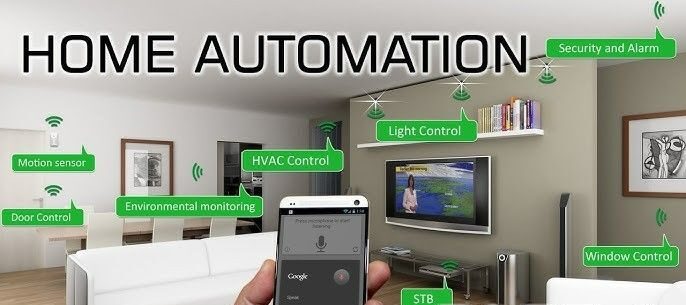
Vera Lite supports a broad range of smart home equipment. Common categories include:
Smart Locks
Electronic locks from manufacturers supporting Z-Wave can often integrate with Vera Lite for remote locking, unlocking, and automation.
Examples include residential deadbolts and keypad locks compatible with the Z-Wave ecosystem.
Lighting
Compatible lighting products include:
- Smart switches
- Wall dimmers
- Smart plugs
- Outdoor switches
- In-wall modules
These devices can participate in scenes, schedules, and occupancy automation.
Security Sensors
Users commonly connect:
- Motion sensors
- Door contacts
- Window sensors
- Glass break detectors
- Flood sensors
- Smoke detectors (supported models)
These sensors allow Vera Lite to trigger alerts or automation events.
Climate Control
Many Z-Wave thermostats can be paired with VeraLite for:
- Temperature scheduling
- Heating control
- Cooling control
- Energy management
Setting Up Vera Lite
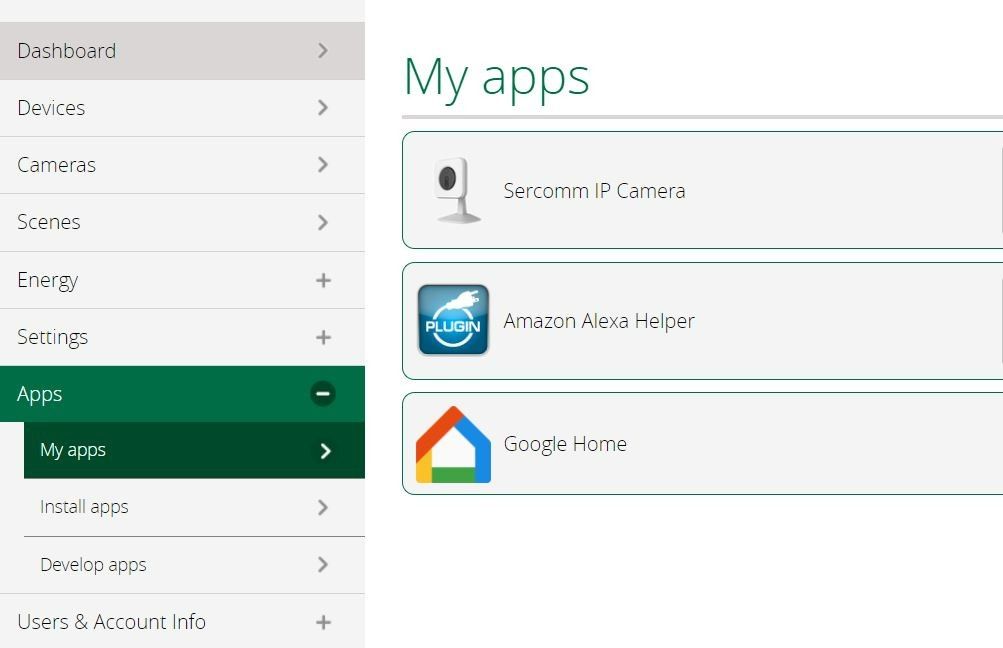
Although setup varies slightly depending on firmware version, the general process is straightforward.
Step 1
Connect Vera Lite to your router using an Ethernet cable.
Allow the controller to complete its startup sequence.
Step 2
Access the management interface and create your administrator account.
This account will be used to manage automation, devices, and system settings.
Step 3
Update firmware if a compatible update is available.
Running the latest supported firmware helps improve stability and device compatibility.
Step 4
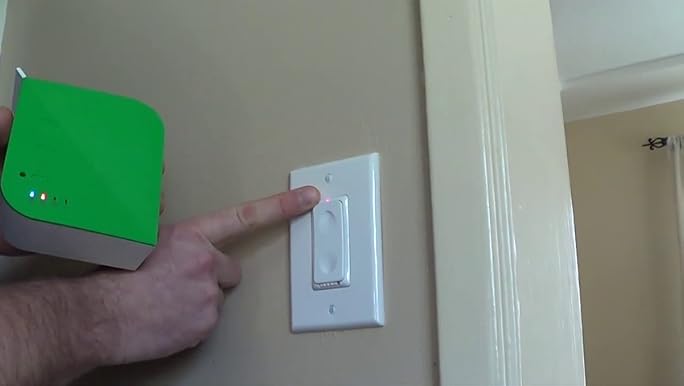
Begin pairing Z-Wave devices one at a time.
Start with:
- Smart switches
- Motion sensors
- Door sensors
Then continue with more advanced devices such as thermostats and smart locks.
Step 5
Organize devices by room.
Example:
- Living Room
- Kitchen
- Master Bedroom
- Garage
- Backyard
This makes future automation much easier to manage.
Creating Smart Home Automations with Vera Lite
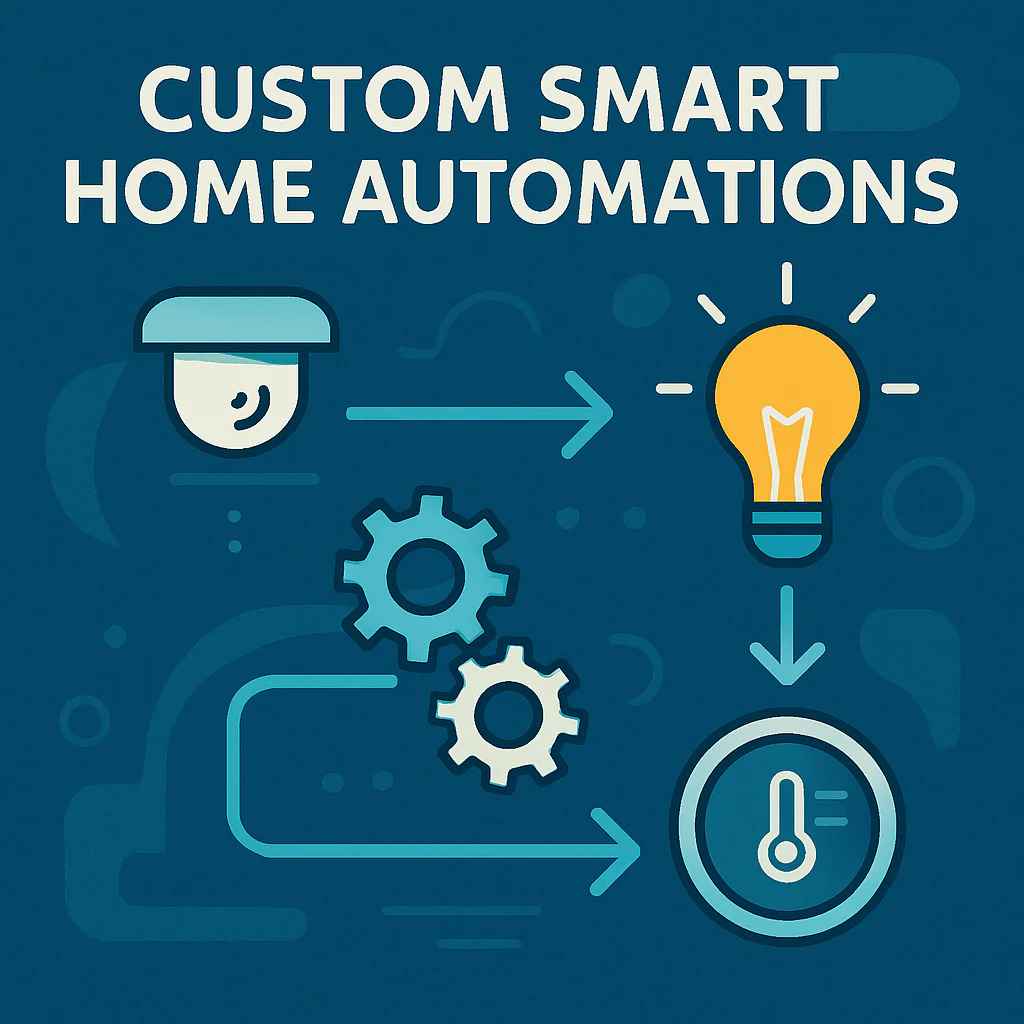
One of Vera Lite’s biggest strengths is its ability to automate multiple devices without requiring constant manual control. Instead of operating each device individually, you can create scenes that respond automatically to schedules, sensor activity, or changes in device status.
For example, you can configure Vera Lite to:
- Turn on hallway lights when motion is detected after sunset.
- Lock all exterior doors at a specific time each night.
- Reduce heating or cooling when everyone leaves the house.
- Switch on outdoor lighting when a door opens after dark.
- Send notifications when water leak sensors detect moisture.
By combining triggers, conditions, and actions, users can build sophisticated home automation routines tailored to their daily habits.
Vera Lite Performance Tips
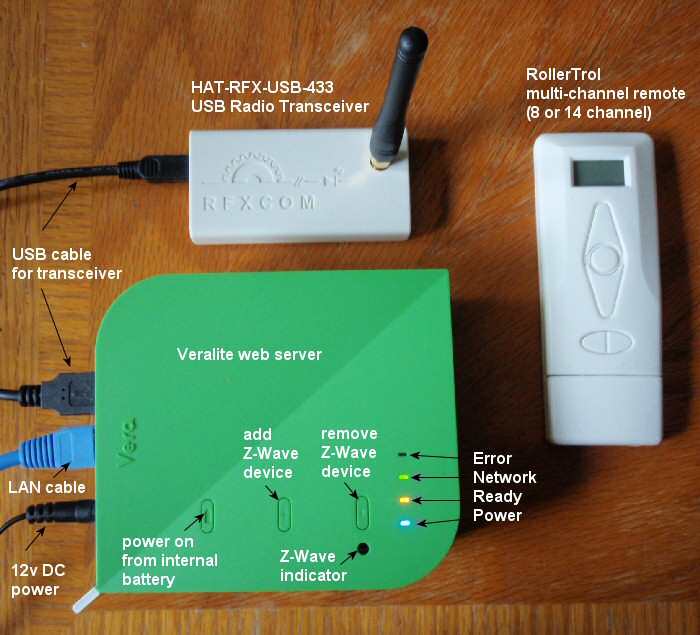
Although Vera Lite is an older controller, proper maintenance can improve reliability and responsiveness.
Keep Your Device List Organized
Assign every device to the correct room and use descriptive names instead of generic labels.
Example:
❌ Node 17
✅ Kitchen Motion Sensor
Remove Unused Devices
Old or disconnected devices increase network complexity.
Delete devices that are no longer installed.
Optimize Z-Wave Placement
The controller should be placed:
- Near the center of the home.
- Away from thick concrete walls.
- Away from large metal objects.
- Away from Wi-Fi routers whenever possible.
Proper placement improves communication across the Z-Wave mesh network.
Update Firmware Carefully
If firmware updates are available from supported sources, read the release notes before upgrading.
Always back up your configuration before performing any update.
Common Vera Lite Problems and Solutions
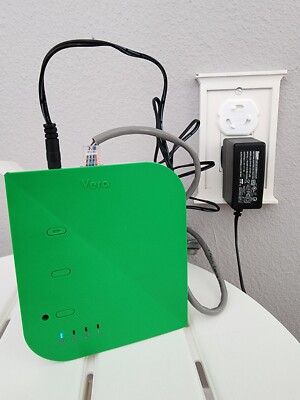
Controller Not Found
Possible causes:
- Router connection issue.
- IP address changed.
- Network cable disconnected.
Solution:
- Restart the router.
- Restart Vera Lite.
- Check Ethernet connections.
- Verify the controller is receiving an IP address.
Devices Will Not Pair
Possible causes:
- Device already paired with another controller.
- Device too far away.
- Low battery.
Solution:
- Reset the device.
- Bring it close to Vera Lite.
- Replace batteries.
- Retry inclusion.
Automation Scenes Do Not Run
Possible causes:
- Incorrect trigger.
- Disabled scene.
- Device unavailable.
Solution:
- Review scene conditions.
- Test each trigger individually.
- Confirm every device reports correctly.
Slow Response Time
Possible causes:
- Weak Z-Wave mesh.
- Too many failed nodes.
- Outdated firmware.
Solution:
- Heal the Z-Wave network if supported.
- Remove failed devices.
- Optimize controller placement.
Vera Lite Security Best Practices
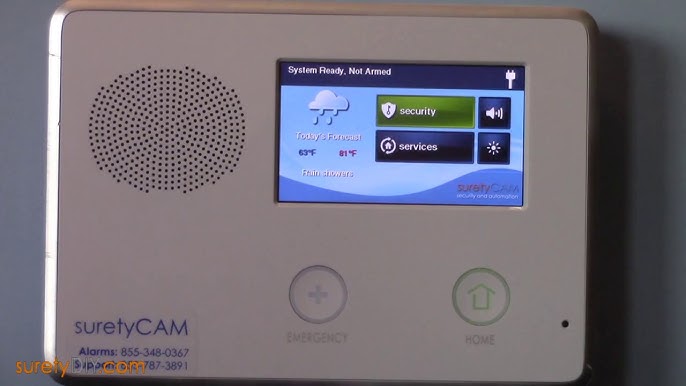
Even older smart home systems should follow good security practices.
Use Strong Passwords
Create a unique administrator password and avoid reusing passwords from other services.
Secure Your Home Network
Protect your Wi-Fi with modern encryption and change default router credentials.
Remove Inactive Accounts
Delete accounts that no longer require access.
Backup Configuration
Before major changes, create a backup so the controller can be restored if necessary.
Vera Lite vs Modern Smart Home Controllers
| Feature | VeraLite | Modern Controllers |
|---|---|---|
| Z-Wave | ✅ | ✅ |
| Matter Support | ❌ | Many support it |
| Thread Support | ❌ | Many support it |
| Local Automation | ✅ | Usually |
| Cloud Features | Limited | Extensive |
| Mobile Experience | Basic | Modern |
| Ongoing Updates | Limited | Active |
If your existing VeraLite installation is stable, there is often no urgent need to replace it. However, users building a new smart home may benefit from controllers that support Matter, Thread, and newer smart home standards.
Who Should Still Use Vera Lite?
Vera Lite remains suitable for:
- Existing Vera owners.
- Homes primarily using Z-Wave devices.
- Users who prefer local automation.
- Small to medium installations.
You may want to upgrade if you:
- Need Matter compatibility.
- Want Thread support.
- Plan to expand significantly.
- Require frequent firmware updates.
- Want modern mobile applications.
Frequently Asked Questions
Is Vera Lite discontinued?
Yes. VeraLite is no longer a current product, but many existing installations continue to operate successfully.
Does Vera Lite support Z-Wave?
Yes. Z-Wave is the primary communication protocol used by VeraLite.
Can Vera Lite work without the internet?
Many local automations continue to work even if your internet connection is unavailable, although remote access requires internet connectivity.
Can I still add new devices?
If the device is compatible with VeraLite’s supported firmware and protocols, it can usually be added successfully.
Does Vera Lite support Matter?
No. Matter support was introduced after VeraLite’s hardware generation.
Can Vera Lite control smart locks?
Yes. Many compatible Z-Wave smart locks can be paired for remote operation and automation.
What is Luup?
Luup is Vera’s automation engine and scripting environment, allowing advanced users to create custom automations and extend functionality through plugins.
Conclusion
Vera Lite helped establish practical home automation for thousands of users by bringing lighting, security, climate control, and sensors together under one controller. Although newer standards such as Matter and Thread have expanded what smart homes can do, VeraLite remains a capable option for many existing Z-Wave installations.
If you already own a VeraLite controller, maintaining your system, understanding its capabilities, and following current best practices can help you continue getting reliable performance. For users evaluating newer hardware, understanding Vera Lite’s strengths and limitations also provides useful context when comparing modern smart home platforms.