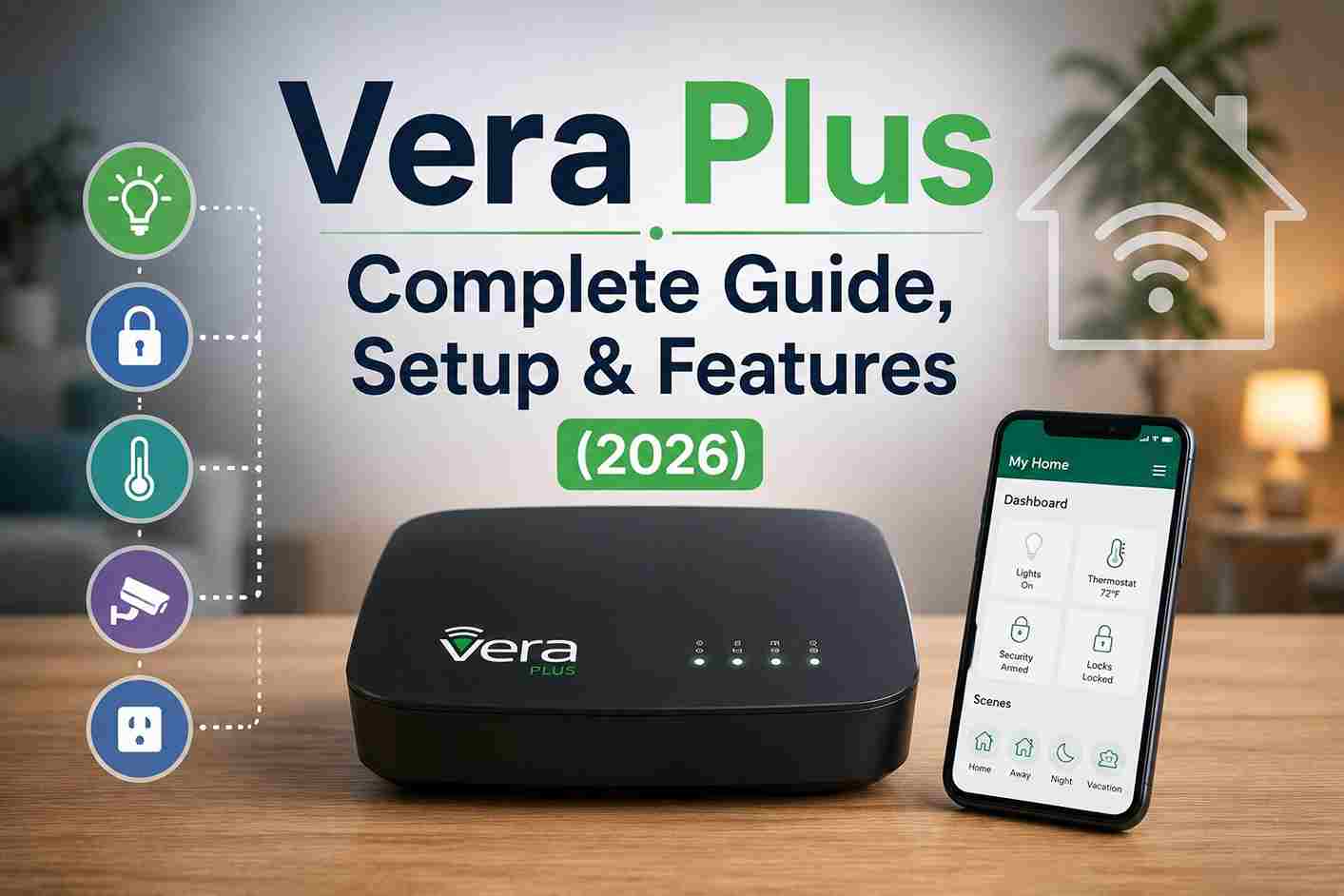
Smart home technology has changed dramatically over the last decade, but some controllers remain relevant because of their reliability, local automation capabilities, and extensive device compatibility. One of the most successful examples is the Vera Plus Smart Home Controller, which helped thousands of homeowners manage lighting, climate control, security, and smart devices from a single platform.
Released as the successor to earlier Vera controllers, Vera Plus introduced support for multiple communication protocols—including Z-Wave Plus, Zigbee, Bluetooth Low Energy (BLE), and IP-based integrations—making it significantly more versatile than previous generations. Its ability to process many automations locally also reduced reliance on cloud services, providing faster response times and greater reliability.
Even though newer smart home standards such as Matter and Thread are now widely available, many Vera Plus systems remain in active use. Whether you’re setting up a controller for the first time, maintaining an existing installation, troubleshooting issues, or comparing Vera Plus with modern alternatives, this guide provides a complete overview of everything you need to know.
What is Vera Plus?

Vera Plus is a smart home controller designed to manage and automate connected devices from a single interface. Acting as the central hub of a home automation system, it communicates with compatible devices using multiple wireless protocols and allows users to create automated routines, monitor their home remotely, and control devices individually or in groups.
The controller was developed as an upgrade to earlier Vera products, adding support for newer wireless technologies while maintaining compatibility with many existing Z-Wave devices. This made upgrading easier for long-time Vera users while opening the door to additional smart home ecosystems.
One of Vera Plus’s defining characteristics is its ability to execute automation locally. Instead of depending entirely on cloud servers, many actions are processed directly by the controller. For example, a motion sensor can trigger hallway lights after sunset or lock exterior doors at a scheduled time without waiting for instructions from an external service.
Because of this local-first design, Vera Plus is often preferred by users who prioritize reliability and control over their smart home infrastructure.
Hardware Overview

The Vera Plus controller features compact hardware designed for continuous operation in residential environments. It includes wired networking, wireless communication capabilities, and expansion options that allow it to integrate with a broad range of compatible smart home products.
Main Hardware Features
- Compact desktop controller
- Ethernet connection for network stability
- USB port for supported accessories
- Status indicator LEDs
- Reset button
- Internal processing for local automation
- Always-on operation
The controller is designed to remain powered continuously so that scheduled automations, scenes, and connected devices remain available at all times.
Key Features of Vera Plus

Multi-Protocol Support
One of the most significant improvements introduced with Vera Plus was support for multiple wireless communication standards.
Instead of relying solely on Z-Wave, Vera Plus expanded compatibility by supporting:
- Z-Wave Plus
- Zigbee
- Bluetooth Low Energy (BLE)
- IP-connected smart devices
This allows homeowners to connect products from different manufacturers while managing them through a single automation platform.
Local Automation
Unlike cloud-only smart home systems, Vera Plus processes many automation routines locally.
Examples include:
- Motion-activated lighting
- Scheduled thermostat changes
- Door lock automation
- Security alerts
- Timed lighting schedules
- Occupancy-based scenes
Local execution helps reduce delays and ensures many automations continue operating even if the internet connection is interrupted.
Remote Access
Users can manage their smart home remotely using supported web interfaces and mobile applications.
Typical remote actions include:
- Locking and unlocking doors
- Turning lights on or off
- Viewing sensor activity
- Running automation scenes
- Monitoring connected devices
- Receiving notifications
This functionality makes it possible to monitor and control the home while away.
Scene Automation
Scene automation is one of Vera Plus’s most valuable features.
A scene combines multiple actions into a single automated event.
Examples include:
Morning Routine
- Turn on kitchen lights
- Increase thermostat temperature
- Open smart blinds
- Disable overnight security mode
Night Mode
- Lock all exterior doors
- Turn off downstairs lighting
- Activate outdoor security lighting
- Arm motion sensors
Away Mode
- Randomize interior lighting
- Monitor doors and windows
- Send motion alerts
- Adjust heating and cooling schedules
Scenes can be triggered by time, device activity, sensor readings, or custom conditions.






