

Frequently Asked Questions
What is Luup?
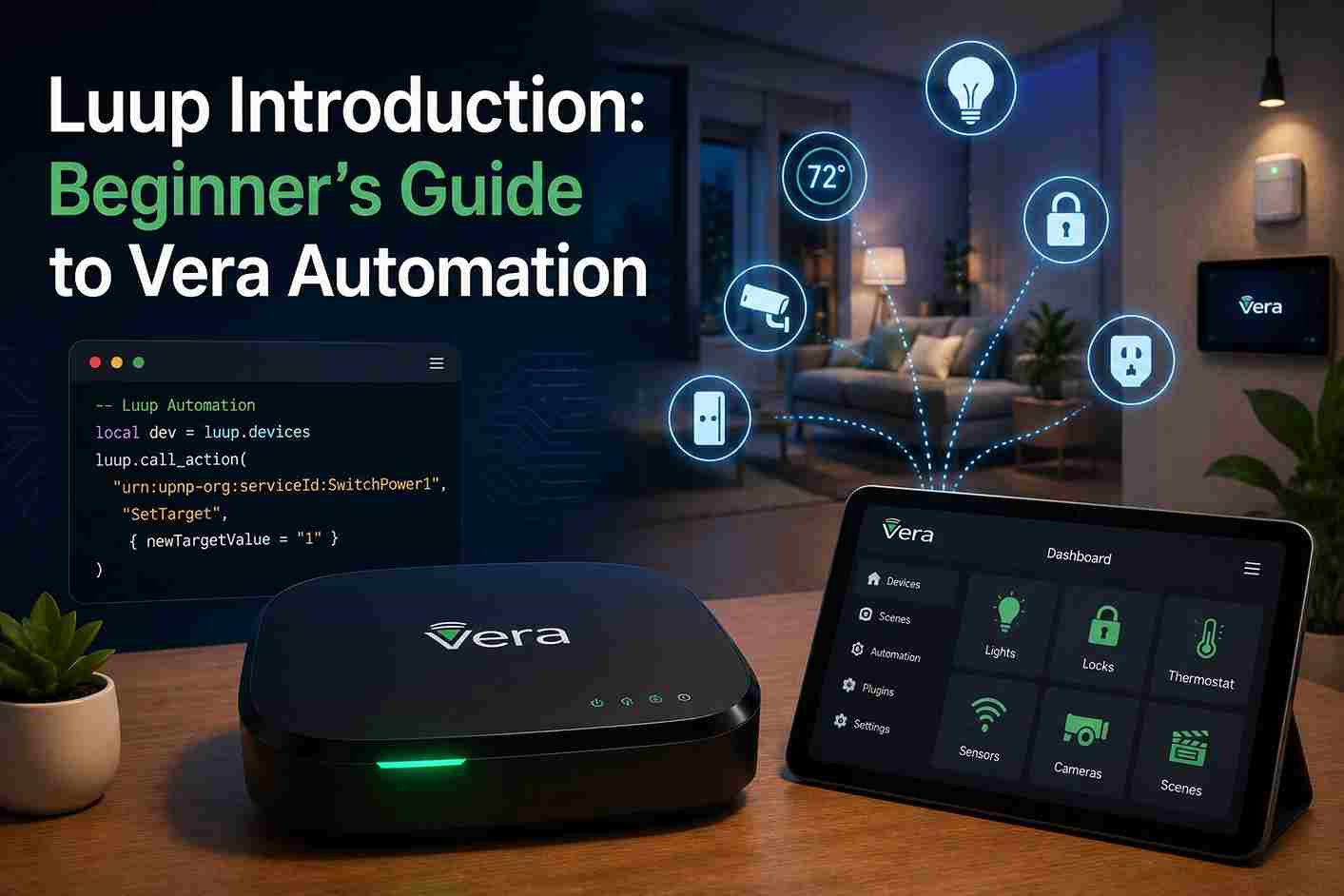
Luup is the automation engine used by Vera controllers. Built on the Lua programming language, it enables advanced automation, plugin development, and communication with compatible smart home devices.
Is Luup Introduction the same as Lua?
No.
Lua is the programming language.
Luup is Vera’s automation framework that uses Lua to execute automation logic, manage devices, and support plugins.
Do I need programming experience?
Not necessarily.
Many Vera users begin with graphical automation scenes and later explore Luup to build more advanced automations. Basic programming knowledge is helpful but not required to understand the concepts introduced in this guide.
What can Luup Introduction automate?
Luup can automate a wide range of tasks, including:
- Lighting
- Smart locks
- Thermostats
- Motion sensors
- Door and window sensors
- Water leak detectors
- Security systems
- Notifications
- Custom integrations
Does Luup work without the internet?
Yes.
Most Luup automation executes locally on the Vera controller, allowing many scenes and device interactions to continue even if the internet connection is temporarily unavailable.
What are variables in Luup?
Variables store the current state of devices.
Examples include:
- Current temperature
- Motion detected
- Door open or closed
- Lock status
- Battery level
Automations use these values when deciding which actions to perform.
What are services?
Services define the functions available for a device, such as turning a switch on, locking a door, or reading sensor values. Multiple devices may expose the same service, making automation more consistent across manufacturers.
What are actions?
Actions are commands sent to devices.
Examples include:
- Turn on
- Turn off
- Lock
- Unlock
- Set temperature
- Arm
- Disarm
Several actions can be combined into a single automation scene.
Can I create my own plugins?
Yes.
Luup supports plugin development, allowing advanced users to add support for new devices, online services, dashboards, and custom automation logic.
Our Luup Plugins Guide explains the complete plugin architecture, lifecycle, and development process.
Why is Luup Introduction event-driven?
Rather than continuously checking every device, Luup waits for events such as motion detection, a door opening, or a thermostat change. This approach improves efficiency and allows automations to respond quickly.
Can Luup communicate with external services?
Yes.
Developers can integrate external APIs, weather services, home automation platforms, and other systems to extend Vera’s capabilities.
Is Luup Introduction still useful in 2026?
Yes.
Although many newer platforms offer low-code automation, Luup remains valuable for maintaining existing Vera installations and creating advanced custom automations.
How should I begin learning Luup?
Start by understanding:
- Devices
- Variables
- Services
- Actions
- Events
Once these concepts are familiar, you can begin writing simple Lua scripts and gradually build more advanced automations.
Conclusion
Luup Introduction is the foundation of advanced automation on Vera controllers, providing developers with the flexibility to create custom workflows, integrate new devices, and extend the capabilities of their smart home systems. By combining the lightweight Lua programming language with an event-driven automation engine, Luup enables reliable local processing and sophisticated automation that goes beyond standard graphical interfaces.
Whether you’re maintaining an existing Vera installation or exploring smart home development for the first time, understanding devices, services, variables, actions, and plugins provides the knowledge needed to build more capable and dependable automations. As you continue through the documentation, the next recommended guides are Luup Requests, Luup Plugins, and the Vera API Documentation, which build upon the concepts introduced here and demonstrate how to create advanced automations and integrations.




