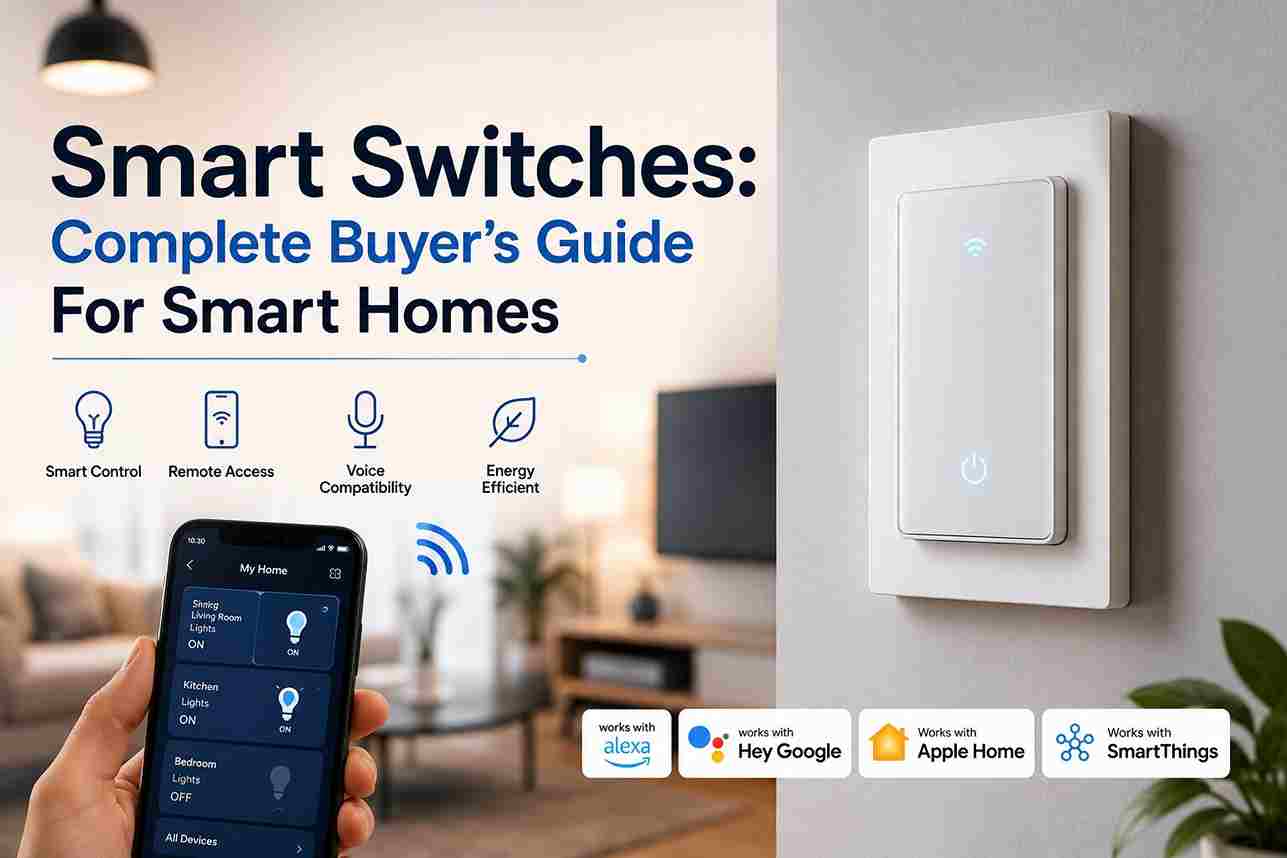
Smart Switches are among the easiest ways to upgrade a traditional home to a connected smart home. Unlike smart bulbs, they control the electrical circuit itself, allowing you to automate existing light fixtures, ceiling fans, outdoor lighting, and even some appliances without replacing every bulb.
Whether you’re building a new smart home or upgrading an existing one, choosing the right Smart Switch can improve convenience, save energy, and create more advanced automation throughout your home. This guide explains how Smart Switches work, the different technologies available, installation considerations, and the features that matter before you buy.
What Are Smart Switches?

Smart Switches replace traditional wall switches and allow lights or other connected electrical loads to be controlled through:
- Mobile apps
- Voice assistants
- Automation scenes
- Motion sensors
- Timers
- Smart home hubs
Unlike smart bulbs, the switch controls power directly, so all bulbs on the circuit behave normally.
This makes Smart Switches especially useful for:
- Ceiling lights
- Hallways
- Outdoor lighting
- Garage lighting
- Porch lights
- Kitchen lighting
How Smart Switches Work

A Smart Switch replaces the existing wall switch while remaining connected to your home’s electrical wiring.
Once installed, it communicates through one of several wireless technologies:
Commands can come from:
- Mobile apps
- Voice assistants
- Automation scenes
- Motion sensors
- Other smart devices
The switch then opens or closes the electrical circuit just like a standard switch while adding remote control and automation capabilities.
Types of Smart Switches

Different models are designed for different applications.
Single-Pole Switches
The most common type.
Used where one switch controls one light.
Ideal for:
- Bedrooms
- Bathrooms
- Living rooms
Three-Way Smart Switches
Designed for lighting controlled from two locations.
Common examples include:
- Hallways
- Staircases
- Large rooms
Some manufacturers require replacing only one switch, while others require compatible companion switches.
Dimmer Smart Switches
Allow brightness adjustment.
Benefits include:
- Mood lighting
- Energy savings
- Extended bulb life
Always verify bulb compatibility before installing a dimmer.
Fan Control Switches
Specifically designed for ceiling fans.
Many allow:
- Speed control
- Scheduling
- Voice control
- Automation
These should not be confused with standard light dimmers.
Outdoor Smart Switches
Designed for exterior environments.
Common uses:
- Landscape lighting
- Holiday lights
- Water features
- Outdoor outlets
Most feature weather-resistant construction for long-term durability.
Wi-Fi vs Z-Wave vs Zigbee
Choosing the right wireless protocol depends on your smart home ecosystem.
Wi-Fi
Advantages:
- No hub required
- Easy setup
- Works with most routers
Disadvantages:
- Can increase Wi-Fi traffic
- Higher power consumption
- Less scalable in large homes
Z-Wave
Advantages:
- Mesh networking
- Excellent range
- Reliable communication
- Low power usage
Disadvantages:
- Requires a compatible hub
- Smaller device selection compared to Wi-Fi
Zigbee
Advantages:
- Fast response times
- Strong mesh networking
- Excellent battery efficiency
Disadvantages:
- Requires a compatible hub
- Compatibility varies between manufacturers
Key Features to Look For in Smart Switches

When comparing Smart Switches, consider features such as:
- Voice assistant compatibility
- Scheduling
- Scene support
- Energy monitoring
- Vacation mode
- Remote control
- Manual operation
- Local control
- Firmware updates
- Matter compatibility
The right combination depends on your existing smart home platform and future expansion plans.
Installation Requirements
Before installing Smart Switches, it’s important to understand your home’s electrical wiring. While many modern homes are compatible with smart switches, some older properties may require additional wiring or professional installation.
In most cases, you’ll need:
- A compatible electrical box
- Proper line and load wiring
- A ground wire
- A neutral wire (for many models)
- Stable Wi-Fi or a compatible smart home hub
Always turn off power at the breaker before working with electrical wiring.
Understanding the Neutral Wire
One of the most common questions homeowners ask is whether a Smart Switch requires a neutral wire.
A neutral wire provides continuous power to the switch, allowing it to maintain network connectivity even when the connected light is turned off.
Switches That Require a Neutral Wire
Many Wi-Fi, Zigbee, and Z-Wave Smart Switches require a neutral wire because they continuously communicate with your network.
Advantages include:
- Better reliability
- Faster response times
- Support for advanced features
- Stable firmware updates
No-Neutral Smart Switches
Some manufacturers offer Smart Switches designed for older homes without neutral wiring.
These models use alternative methods to power the electronics but may have limitations such as:
- Reduced compatibility with LED bulbs
- Lower maximum load ratings
- Fewer advanced features
Always check compatibility before purchasing.
Smart Switches Safety Considerations

Working with household electrical wiring involves potential hazards. If you are unfamiliar with electrical installations, hiring a licensed electrician is the safest option.
Follow these safety practices:
- Turn off the circuit breaker before beginning.
- Confirm the circuit is de-energized using a voltage tester.
- Follow the manufacturer’s installation instructions.
- Use compatible wire connectors.
- Do not exceed the switch’s rated electrical load.
- Ensure all connections are secure before restoring power.
Safety should always take priority over convenience.
Smart Home Automation Ideas
One of the biggest advantages of Smart Switches is their ability to automate everyday tasks.
Morning Routine
At a scheduled time each morning:
- Bedroom lights gradually brighten.
- Kitchen lights turn on.
- Coffee maker receives power.
- Hallway lights illuminate.
This creates a smoother start to the day.
Evening Lighting
After sunset:
- Porch lights turn on automatically.
- Pathway lighting activates.
- Living room lights adjust to a comfortable brightness.
- Exterior security lighting becomes active.
This improves both convenience and home security.
Vacation Mode
When you’re away:
- Lights turn on and off at different times.
- Outdoor lighting follows sunset schedules.
- Random lighting patterns simulate occupancy.
This can help discourage unwanted visitors.
Motion-Based Lighting
Pair Smart Switches with motion sensors.
Examples include:
- Hallway lighting
- Closets
- Laundry rooms
- Garages
- Bathrooms
Lights activate only when needed, reducing unnecessary energy use.
Energy Savings

Although Smart Switches consume a small amount of standby power, they can reduce overall energy consumption by improving lighting management.
Energy-saving features include:
- Automatic shutoff schedules
- Occupancy-based lighting
- Vacation mode
- Sunrise and sunset automation
- Remote control to prevent lights from being left on
These features help reduce wasted electricity over time.
Smart Switch vs Smart Bulb
Both products provide smart lighting, but they serve different purposes.
| Feature | Smart Switch | Smart Bulb |
|---|---|---|
| Controls multiple bulbs | ✅ Yes | ❌ No |
| Works with regular bulbs | ✅ Yes | ❌ Requires smart bulbs |
| Physical wall switch remains functional | ✅ Yes | ⚠️ Only if power remains on |
| Color-changing capability | ❌ Usually No | ✅ Yes |
| Installation required | ✅ Yes | ❌ No |
| Better for whole-room control | ✅ Yes | ⚠️ Limited |
For rooms with multiple light fixtures, Smart Switches are often the more practical solution.
Buying Guide
When comparing Smart Switches, consider the following factors:
Smart Home Compatibility
Ensure the switch works with your preferred ecosystem.
Examples include:
- Amazon Alexa
- Google Home
- Apple Home
- Matter
- SmartThings
- Vera controllers
Communication Protocol
Choose between:
- Wi-Fi
- Z-Wave
- Zigbee
- Matter
- Thread
The best option depends on your existing smart home network.
Load Capacity
Verify that the switch supports the electrical load of the connected lighting or appliance.
Dimming Support
If controlling dimmable lighting, ensure both the switch and bulbs are compatible.
Firmware Updates
Manufacturers that regularly release firmware updates typically provide:
- Security improvements
- Bug fixes
- Better compatibility
- New features
Common Installation Mistakes

Simple errors cause many installation problems.
Avoid these common mistakes:
- Purchasing the wrong switch type
- Ignoring neutral wire requirements
- Mixing incompatible dimmers and bulbs
- Exceeding load limits
- Installing outdoors without weather protection
- Forgetting to update firmware
Proper planning helps avoid unnecessary troubleshooting later.
Troubleshooting Smart Switches
If your Smart Switch isn’t working correctly, check the following:
Switch Won’t Power On
- Verify the breaker is on.
- Confirm wiring connections.
- Check line and load terminals.
Device Won’t Connect
- Verify Wi-Fi credentials.
- Confirm hub compatibility.
- Move the hub or router closer if necessary.
Lights Flicker
Possible causes include:
- Incompatible LED bulbs
- Loose wiring
- Incorrect dimmer configuration
Automation Doesn’t Run
Check:
- Automation schedules
- Device status
- Network connectivity
- Hub communication
- Firmware updates
Smart Switches Maintenance

Routine maintenance helps keep your smart home reliable.
Recommended practices include:
- Install firmware updates promptly.
- Inspect switches for physical damage.
- Test automations regularly.
- Review schedules every few months.
- Replace failing devices before they cause broader issues.
Well-maintained Smart Switches often provide years of dependable operation.
Frequently Asked Questions
What is a Smart Switch?
A Smart Switch replaces a traditional wall switch and allows you to control connected lights or electrical devices using a smartphone app, voice assistant, automation, or manual operation.
How is a Smart Switch different from a Smart Bulb?
A Smart Switch controls the electrical circuit itself, allowing multiple standard bulbs to be managed together. A Smart Bulb contains its own electronics and must remain powered at all times to function.
Do Smart Switches require Wi-Fi?
Not always.
Some Smart Switches use:
- Wi-Fi
- Z-Wave
- Zigbee
- Matter
- Thread
Many Z-Wave and Zigbee models require a compatible smart home hub.
Do I need a neutral wire?
Many Switches require a neutral wire, but several manufacturers offer no-neutral models designed for older homes.
Always check the product specifications before purchasing.
Can Smart Switches work without the internet?
Yes.
Many Smart Switches continue to operate manually, and systems that use local communication protocols such as Z-Wave, Zigbee, or Matter often maintain local automation even when the internet connection is temporarily unavailable.
Can Smart Switches control ceiling fans?
Only fan-rated Switches should control ceiling fans. Standard lighting switches or dimmers are generally not suitable for fan motors.
Do Smart Switches save electricity?
Yes.
Although the switch itself uses a small amount of standby power, features like scheduling, occupancy detection, and automatic shutoff can help reduce unnecessary lighting use.
Can I control Switches remotely?
Yes.
Most Smart Switches allow remote control through a companion mobile app, provided remote access has been configured.
Are Switches compatible with LED bulbs?
Most are, but compatibility varies depending on the bulb and switch. If using a dimmer, verify that both the switch and LED bulbs support dimming.
Can I install a Smart Switch myself?
Many homeowners install Switches successfully, but if you’re unfamiliar with household wiring, hiring a licensed electrician is recommended.
Will Smart Switches work during a power outage?
No.
Like conventional wall switches, Switches require electrical power. Automation resumes automatically once power is restored.
Can one Smart Switch control multiple lights?
Yes.
If multiple lights are connected to the same circuit, a single Smart Switch can control all of them simultaneously.
Do Smart Switches work with voice assistants?
Most modern switches support one or more voice assistants, including Amazon Alexa, Google Assistant, and Apple Home through compatible ecosystems.
Are Smart Switches secure?
Reputable manufacturers regularly release firmware updates that improve security and reliability. Keeping devices updated and using strong account credentials helps protect your smart home.
How long do Switches last?
Quality switches often provide many years of service. Actual lifespan depends on installation quality, electrical load, environmental conditions, and manufacturer support.
Conclusion
Smart Switches offer a practical way to modernize lighting without replacing every bulb in your home. By controlling the electrical circuit directly, they provide reliable automation, remote access, voice control, and scheduling while preserving the familiar experience of a traditional wall switch.
Whether you’re automating a single room or building a whole-home smart ecosystem, selecting the right communication protocol, understanding installation requirements, and planning future expansion will help you get the most from your investment. Combined with technologies like Z-Wave, Zigbee, Matter, and compatible controllers such as Vera, Smart Switches remain one of the most valuable upgrades for creating an efficient and connected smart home.




