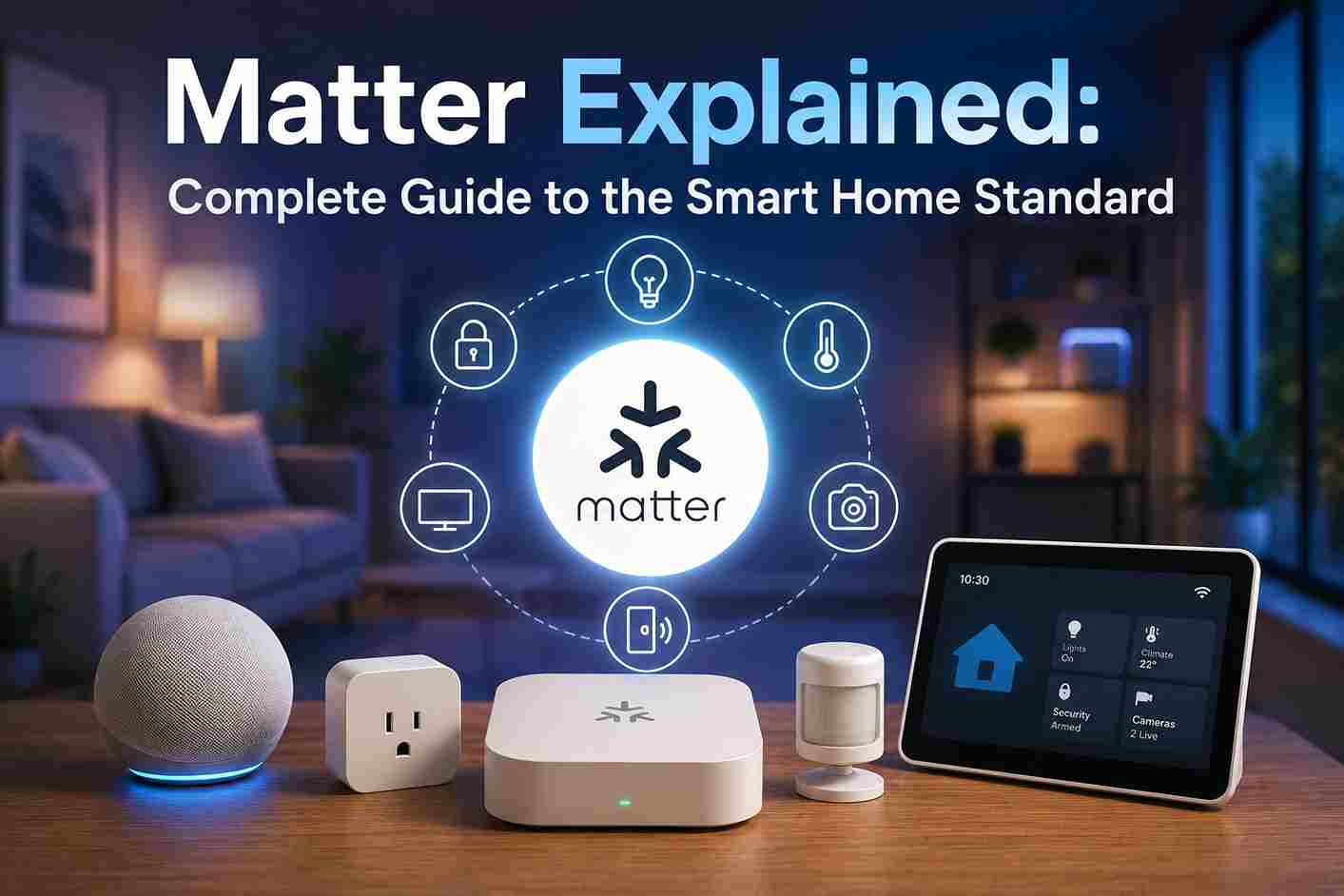
Matter is changing the way smart home devices work together by eliminating many of the compatibility problems that have frustrated homeowners for years. Instead of being limited to products from a single brand, Matter enables certified devices from different manufacturers to communicate through a shared standard, making setup, automation, and everyday control much simpler.
Whether you’re creating your first smart home or upgrading an existing one, understanding Matter can help you choose devices that are easier to install, expand, and manage. If you’re comparing it with older technologies, also see our guides on Z-Wave and Zigbee before choosing your smart home ecosystem.
What is Matter?

Matter is an open smart home connectivity standard that allows certified devices from different manufacturers to communicate with each other using a common language.
Instead of relying on proprietary systems, Matter focuses on interoperability so that smart home devices can work together regardless of the brand.
The standard supports communication between:
- Smart lights
- Smart switches
- Smart plugs
- Door locks
- Sensors
- Thermostats
- Window coverings
- Smart speakers
- Smart displays
- Home hubs
As more manufacturers adopt Matter, homeowners gain greater flexibility when selecting devices.
Why Matter Was Created

For many years, one of the biggest frustrations with smart homes was compatibility.
Different manufacturers often created devices that worked only within their own ecosystems. As a result, homeowners sometimes needed multiple mobile apps, hubs, or bridges to manage devices from different brands.
Matter addresses these challenges by providing a shared communication standard that simplifies setup and encourages interoperability across platforms.
How Matter Works
Matter operates over existing IP-based networks, allowing compatible devices to communicate using familiar networking technologies.
A typical setup includes:
User
↓
Smartphone App
↓
Matter Controller
↓
Home Network
↓
Matter Devices
↓
Automated Actions
Commands may also originate from:
- Voice assistants
- Motion sensors
- Door sensors
- Automation rules
- Scheduled events
- Scenes
Because Matter uses local communication whenever possible, many automations continue functioning even if the internet connection is temporarily unavailable.
Matter Architecture

The Matter ecosystem includes several key components.
Matter Devices
These are certified products that support the Matter standard.
Examples include:
- Smart bulbs
- Smart switches
- Smart plugs
- Door locks
- Thermostats
- Sensors
- Smart blinds
Each certified device follows the same communication standard.
Matter Controller
A Matter Controller manages devices within the home.
Typical responsibilities include:
- Device setup
- Automation management
- User permissions
- Scene creation
- Device grouping
Many modern smart speakers and smart home hubs can function as Matter Controllers, allowing you to manage automation, scenes, and connected devices from a central location.
Border Router
Some Matter devices communicate using Thread.
A Thread Border Router connects the Thread mesh network to the rest of your home network, allowing devices to communicate seamlessly.
Many recent smart speakers, displays, and home hubs include this functionality.
Supported Device Types

Matter continues expanding to support additional smart home categories.
Currently supported devices include:
- Smart lighting
- Smart switches
- Smart plugs
- Smart locks
- Door sensors
- Motion sensors
- Contact sensors
- Thermostats
- HVAC controls
- Window coverings
- Smart fans
- Environmental sensors
- Smart bridges
- Home hubs
Support continues to grow with each new specification update.
Matter Controllers

A Matter Controller is responsible for adding and managing Matter devices within your smart home.
Common functions include:
- Pairing new devices
- Managing automations
- Sharing device access
- Creating rooms
- Creating scenes
- Firmware management
Some households may have multiple Matter Controllers working together, allowing family members to manage the same devices across different platforms.
Matter Communication Technologies
Matter supports several networking methods depending on the device type.
Wi-Fi
Used for higher-bandwidth devices.
Advantages:
- No additional hub required
- Existing home network
- Easy setup
Ethernet
Some smart home hubs connect through Ethernet.
Advantages include:
- Stable connection
- Low latency
- High reliability
Thread
Thread is a low-power mesh networking protocol designed specifically for connected smart home devices.
Benefits include:
- Self-healing mesh network
- Excellent battery efficiency
- Low latency
- Strong reliability
- Local communication
Many battery-powered Matter devices rely on Thread for communication.
Benefits of Matter

Matter offers several advantages over older smart home ecosystems.
Better Compatibility
Devices from different manufacturers can communicate using the same standard.
Easier Installation
Most Matter devices use a simple onboarding process, often involving a QR code.
Local Automation
Many automations continue operating without cloud connectivity.
Improved Reliability
Local communication reduces delays caused by internet latency.
Greater Flexibility
Homeowners can expand their systems without being locked into a single manufacturer.
Future Expansion
As more manufacturers adopt Matter, the number of compatible devices continues to grow.
Matter vs Zigbee vs Z-Wave
Many homeowners confuse Matter, Zigbee, and Z-Wave because they are all used in smart homes. However, they serve different purposes.
| Feature | Matter | Zigbee | Z-Wave |
|---|---|---|---|
| Type | Smart home application standard | Wireless communication protocol | Wireless communication protocol |
| Works over IP | ✅ Yes | ❌ No | ❌ No |
| Local automation | ✅ Yes | ✅ Yes | ✅ Yes |
| Mesh networking | Through Thread | ✅ Yes | ✅ Yes |
| Cross-brand compatibility | ✅ Excellent | Good | Good |
| Future growth | Excellent | Strong | Strong |
Think of Matter as the universal language that devices use to understand each other, while Zigbee and Z-Wave are methods for delivering those messages.
Matter vs Wi-Fi Smart Devices

Many smart home products connect directly through Wi-Fi, but Matter introduces several improvements.
Traditional Wi-Fi Devices
Advantages:
- No dedicated hub required
- Easy installation
- Wide availability
Limitations:
- Heavy Wi-Fi usage
- Often cloud-dependent
- Different apps for different brands
- Compatibility varies
Matter Devices
Advantages:
- Local communication
- Cross-platform compatibility
- Faster response times
- Simplified setup
- Improved long-term support
Matter allows devices from different manufacturers to work together without requiring every product to belong to the same ecosystem.
Matter Security

Security is one of Matter’s primary design goals.
Every certified Matter device includes strong security mechanisms that help protect communication between devices.
Security features include:
- Device authentication
- End-to-end encryption
- Secure onboarding
- Verified firmware
- Cryptographic certificates
- Secure local communication
These protections help reduce unauthorized access while making device pairing more secure.
Multi-Admin Support
One of Matter’s most useful features is Multi-Admin support.
This allows the same Matter device to be managed by more than one smart home ecosystem simultaneously.
For example:
A Matter-compatible smart bulb can be controlled through:
- Google Home
- Apple Home
- Amazon Alexa
without removing it from another platform.
This gives homeowners far greater flexibility than older smart home systems.
Device Commissioning

Commissioning is the process of securely adding a Matter device to your smart home.
Most devices follow a simple setup process.
Step 1
Power on the Matter device.
Step 2
Open your preferred smart home application.
Step 3
Scan the Matter QR code.
Step 4
Verify the pairing process.
Step 5
Assign:
- Room
- Device name
- Device type
Step 6
Begin creating automations and scenes.
Most users complete commissioning in only a few minutes.
Matter Automation Examples

Matter makes automation easier because devices from different manufacturers can participate in the same routines.
Morning Routine
At 7:00 AM:
- Bedroom lights brighten gradually.
- Smart blinds open.
- Thermostat adjusts temperature.
- Kitchen lights turn on.
No manual interaction is required.
Leaving Home
When everyone leaves:
- Interior lights switch off.
- Smart locks engage.
- Security system arms.
- Thermostat enters energy-saving mode.
Returning Home
When the first family member arrives:
- Porch lights turn on.
- Entry lights activate.
- Hallway lighting brightens.
- Indoor temperature adjusts.
Good Night Scene
One command can:
- Turn off downstairs lights.
- Lock exterior doors.
- Activate outdoor security lighting.
- Lower bedroom lighting.
Vacation Mode
Matter automations can:
- Randomize interior lighting.
- Operate window coverings.
- Activate exterior lights at sunset.
- Simulate occupancy.
Common Matter Setup Problems
Although Matter simplifies smart home installation, some issues can still occur.
Device Won’t Pair
Possible causes include:
- Outdated firmware
- Weak network signal
- Unsupported controller
- Incorrect QR code scan
Updating firmware often resolves pairing issues.
Device Appears Offline
Check:
- Home network connection
- Border Router status
- Device power
- Controller availability
Automation Doesn’t Run
Verify:
- Automation conditions
- Device assignments
- Time zone settings
- Room configuration
Thread Network Problems
If Thread devices lose connectivity:
- Restart the Border Router.
- Confirm Thread support.
- Check firmware updates.
- Reduce excessive wireless interference.
Troubleshooting Matter Devices

If problems occur, work through these steps.
Restart the Device
Power cycling often restores communication.
Update Firmware
Manufacturers regularly release updates that improve compatibility and stability.
Verify Controller Compatibility
Confirm that your Matter Controller supports the device category you’re adding.
Check Network Quality
Reliable Wi-Fi and Thread connectivity are essential for smooth operation.
Recommission the Device
Removing and re-adding the device may resolve persistent communication issues.
Buying Guide
Before purchasing Matter devices, consider the following.
Matter Certification
Choose products that display official Matter certification.
Device Categories
Verify the device supports the functions you need.
Examples include:
- Lighting
- Switches
- Sensors
- Locks
- Thermostats
- Window coverings
Thread Support
Battery-powered devices often perform better when using Thread.
Firmware Support
Manufacturers that provide regular firmware updates generally offer better long-term reliability and security.
Ecosystem Compatibility
Although Matter improves interoperability, you should also verify that your controller supports all of your existing hardware before purchasing new Matter devices.
Planning a Matter Smart Home
Building a Matter-enabled home is easier when you plan for future expansion.
A recommended approach is:
- Choose a Matter Controller and complete the initial hub configuration before pairing your first Matter device.
- Add essential devices such as smart lights and switches.
- Expand with sensors, locks, and thermostats.
- Create automation routines.
- Organize devices into rooms and groups.
- Regularly update firmware and review automations.
Starting with a strong foundation makes it easier to add new Matter-compatible devices as your smart home grows.




