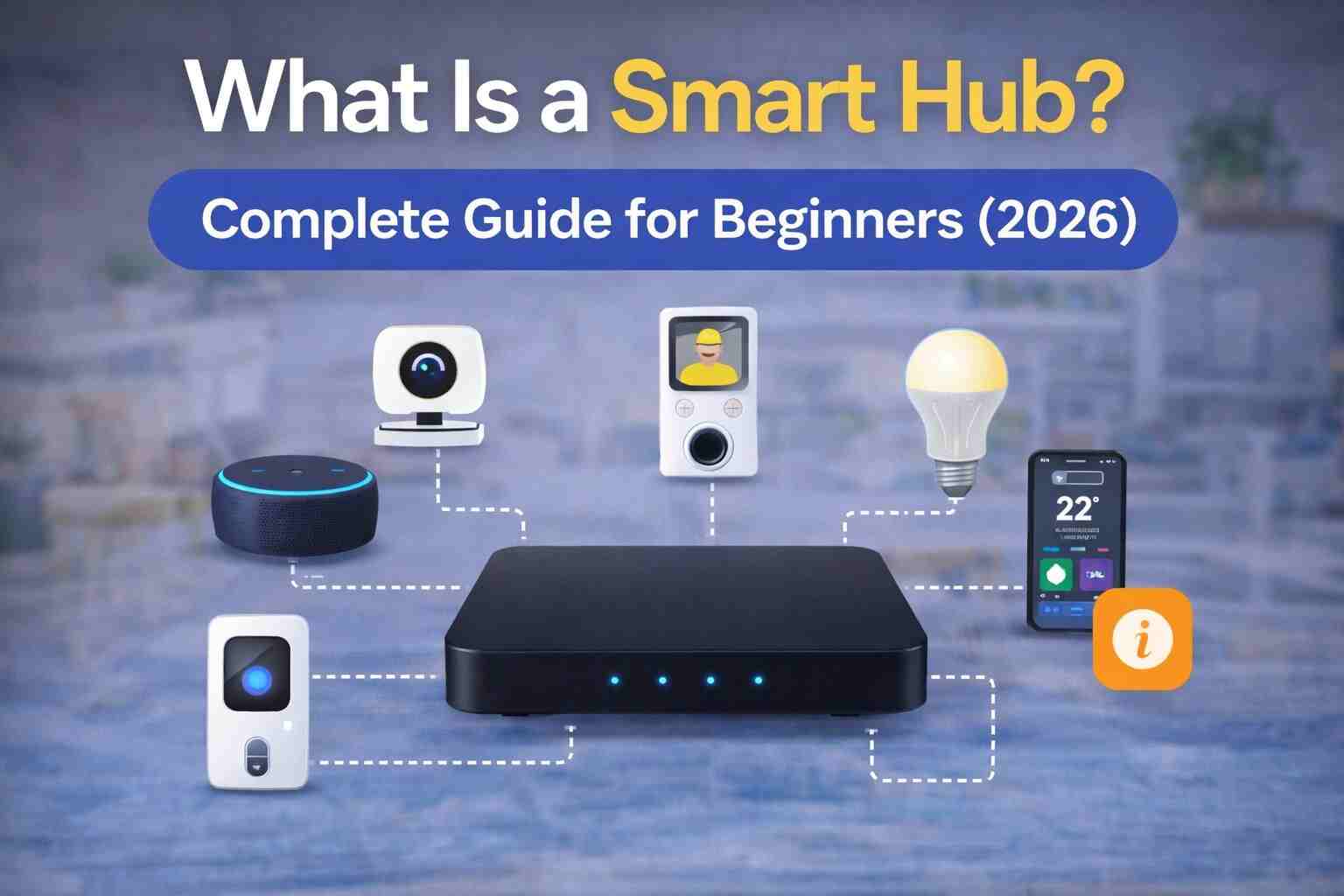
The best smart home hubs act as the central brain of a connected home. Rather than controlling each smart device independently, a hub brings lighting, locks, sensors, thermostats, cameras, and other devices together into a single automation platform.
Choosing the right smart home hub can significantly improve reliability, compatibility, and ease of use. Some hubs focus on local automation and privacy, while others emphasize cloud services, voice assistants, or broad ecosystem support.
Whether you’re building your first smart home or upgrading an existing system, selecting the right hub is one of the most important decisions you’ll make. If you’re new to building a connected home, our Home Automation Guide explains how controllers, devices, and automations work together.


Best Smart Home Hubs Comparison
Choosing the right hub depends on your experience level, preferred devices, and whether you value local automation or cloud-based convenience.
| Feature | Vera | Home Assistant | Hubitat | SmartThings | Apple Home | Google Home |
|---|---|---|---|---|---|---|
| Beginner Friendly | ★★★☆☆ | ★★☆☆☆ | ★★★☆☆ | ★★★★★ | ★★★★★ | ★★★★★ |
| Local Automation | Excellent | Excellent | Excellent | Good | Good | Moderate |
| Z-Wave Support | Excellent | Excellent | Excellent | Excellent | Via Matter/Compatible Hubs | Limited |
| Zigbee Support | Limited (model dependent) | Excellent | Excellent | Excellent | Via Matter | Limited |
| Matter Support | Emerging (depends on ecosystem) | Excellent | Excellent | Excellent | Excellent | Excellent |
| Mobile App | Good | Good | Good | Excellent | Excellent | Excellent |
| Custom Automation | Excellent | Outstanding | Excellent | Good | Moderate | Moderate |
| Best For | Vera owners | Power users | Local automation | Beginners | Apple users | Google users |
Local vs Cloud Processing
One of the biggest differences between best smart home hubs is where automations actually run.
Local Processing
With local automation, rules are executed directly on the controller inside your home.
Advantages
- Faster response times
- Works without internet
- Better privacy
- Reduced cloud dependency
- More reliable automations
Example:
Motion detected
↓
Controller processes rule
↓
Light turns on instantly.
No internet connection is required.
Cloud Processing
Cloud-based systems send information to remote servers before executing automations.
Advantages
- Simple setup
- Easy remote access
- Automatic backups
- Less hardware maintenance
Disadvantages
- Internet required
- Possible delays
- Service outages affect automations
- Greater dependence on vendor infrastructure
Best Smart Home Hubs – Wired vs Wireless
Some automation systems use wired infrastructure while most residential installations rely on wireless technologies.
Wired Controllers
Typically found in:
- Luxury homes
- Commercial buildings
- New construction
Advantages:
- Extremely reliable
- Very low latency
- Stable communication
Disadvantages:
- Higher installation cost
- Limited flexibility
- Professional installation often required
Wireless Controllers
Wireless hubs communicate using technologies such as:
Advantages:
- Easy installation
- Expandable
- Cost-effective
- Ideal for existing homes
For most homeowners, wireless controllers provide the best balance between flexibility and performance.
Choosing the Right Hub

Different users have different priorities.
Best for Beginners
Look for:
- Easy setup
- Simple mobile app
- Guided device pairing
- Basic automation templates
Good choices include:
- SmartThings
- Apple Home
- Google Home
Best for Advanced Users
If you enjoy creating complex automations and integrating many different devices:
Consider:
- Home Assistant
- Hubitat
- Vera (for existing Vera ecosystems)
These platforms provide significantly more customization.
Best for Privacy
Prioritize controllers that support:
- Local processing
- Local storage
- Minimal cloud dependence
- Secure device communication
Local-first systems reduce the amount of information transmitted to external servers.
Best for Large Homes
Large homes benefit from controllers that support:
- Hundreds of devices
- Multiple wireless protocols
- Strong automation engines
- Reliable mesh networking
Recommended Best Smart Home Hubs by Home Size

Apartment
Recommended devices:
- SmartThings
- Apple Home
- Google Home
Ideal for:
- Lighting
- Smart plugs
- Smart speakers
- Basic automation
Family Home
Recommended platforms:
- Vera
- Hubitat
- SmartThings
Suitable for:
Large Smart Home
Recommended platforms:
- Home Assistant
- Hubitat
- Vera (existing installations)
Best for:
- Multiple floors
- Large Z-Wave networks
- Advanced automations
- Hundreds of connected devices
Example Automation Scenarios
Morning Routine
Trigger: 6:30 AM
Actions:
- Bedroom lights fade on
- Thermostat adjusts
- Coffee maker powers on
- Blinds open
- Weather announcement plays
Leaving Home
Trigger: Last family member leaves
Actions:
- Lock doors
- Turn off lights
- Set thermostat to Eco Mode
- Arm security system
- Verify garage door is closed
Returning Home
Trigger: Front door unlocks
Actions:
- Entry lights activate
- Thermostat adjusts
- Favorite playlist starts
- Security system disarms
Vacation Mode
Trigger: Vacation Mode enabled
Actions:
- Randomize indoor lighting
- Monitor sensors
- Send security alerts
- Reduce HVAC usage
- Pause unnecessary automations
Common Buying Mistakes

Choosing Based Only on Price
The least expensive hub may not support future expansion.
Instead, consider:
- Compatibility
- Local automation
- Device support
- Long-term updates
Ignoring Wireless Protocols
Not every hub supports every device.
Always verify support for:
- Z-Wave
- Zigbee
- Matter
- Thread
- Wi-Fi
before purchasing.
Buying Too Many Devices Immediately
Start with:
- Motion sensor
- Smart switch
- Smart plug
Expand gradually after learning the platform.
Ignoring Firmware Updates
Updated firmware improves:
- Security
- Stability
- Compatibility
- Performance
Installation Guide

Step 1
Choose a location for the hub.
Ideally:
- Central in the home
- Away from large metal objects
- Away from microwave ovens and routers if possible
Step 2
Connect power and internet (if required).
Complete firmware updates before pairing devices.
Step 3
Install the companion mobile application.
Create your account.
Enable backups where available.
Step 4
Add devices one at a time.
Test each device before adding another.
Step 5
Organize devices into rooms.
Examples:
- Kitchen
- Living Room
- Bedroom
- Garage
- Office
Step 6
Create your first automations.
Start simple.
Examples include:
- Motion activates hallway lighting.
- Door unlocks trigger entry lights.
- Leak sensors send notifications.
Buying Guide

When comparing best smart home hubs, evaluate the following.
Device Compatibility
A quality hub should support:
Automation Features
Look for:
- Scheduling
- Scenes
- Conditional logic
- Notifications
- Voice assistant support
Mobile App
A well-designed app should provide:
- Remote access
- Device management
- Automation editing
- Status monitoring
Software Updates
Choose manufacturers that regularly release:
- Security patches
- New features
- Compatibility improvements
Community Support
Platforms with active communities often provide:
- Tutorials
- Integrations
- Troubleshooting assistance
- Plugin development
Best Practices
For long-term success:
- Start with a clear automation plan.
- Choose devices that use compatible wireless protocols.
- Keep firmware updated.
- Back up controller settings regularly.
- Add devices gradually.
- Use descriptive names for rooms and devices.
- Test automations after major changes.
- Strengthen mesh networks with powered devices.
- Review security settings periodically.
A carefully planned smart home hub becomes the foundation of a reliable and expandable automation system.
Related Guides
- Home Automation: The Complete Guide
- Z-Wave: The Complete Guide
- Zigbee Explained
- Matter Explained
- Vera Setup Guide
Frequently Asked Questions
What is a smart home hub?
A smart home hub is a central controller that connects compatible smart devices and allows them to communicate, automate tasks, and be managed from a single interface.
Do I need a best smart home hubs?
Not always.
If you only own a few Wi-Fi smart devices, a hub may not be necessary. However, if you plan to automate lighting, locks, sensors, thermostats, and other devices together, a dedicated hub provides much greater flexibility and reliability.
What devices work with the best smart home hubs?
Most hubs support combinations of:
- Smart lights
- Smart switches
- Smart plugs
- Smart locks
- Motion sensors
- Door and window sensors
- Leak detectors
- Thermostats
- Garage door controllers
- Security systems
Compatibility depends on the hub and supported wireless protocols.
Which smart home hub is best for beginners?
Platforms with simple setup and intuitive mobile apps are generally the easiest for beginners.
Examples include:
- SmartThings
- Apple Home
- Google Home
Which hub is best for advanced users?
Advanced users often prefer platforms that offer:
- Local automation
- Extensive integrations
- Custom scripting
- Flexible automation engines
Popular options include:
- Home Assistant
- Hubitat
- Vera (for existing Vera ecosystems)
Do the best smart home hubs work without the internet?
Many hubs continue running local automations even if the internet connection is unavailable.
Cloud-dependent features such as remote access and voice assistants may stop working until connectivity is restored.
Can one hub control multiple wireless protocols?
Yes.
Many modern hubs support multiple technologies, including:
- Z-Wave
- Zigbee
- Matter
- Thread
- Wi-Fi
- Bluetooth
Always verify protocol support before purchasing.
Is Matter replacing smart home hubs?
No.
Matter improves interoperability between compatible devices, but a controller or hub is still needed in many smart home setups to manage automations and coordinate devices.
Is local automation better than cloud automation?
Local automation generally offers:
- Faster response times
- Better privacy
- Continued operation during internet outages
- Reduced dependence on cloud services
Cloud automation can simplify setup and remote management but relies on an active internet connection.
Can I use multiple hubs?
Yes.
Some homeowners use more than one hub to support different ecosystems or expand compatibility. With Matter and modern integrations, managing multiple hubs is becoming easier.
Are smart home hubs secure?
Most reputable hubs include encryption and secure communication features.
For the best security:
- Use strong passwords.
- Enable two-factor authentication where available.
- Keep firmware updated.
- Remove unused devices.
Which hub is best for Z-Wave?
Dedicated controllers with strong Z-Wave support, such as Vera, Hubitat, and Home Assistant (with a compatible Z-Wave adapter), are excellent choices for Z-Wave-based automation.
Which hub is best for existing Vera users?
Apple Home is an excellent option for households that primarily use iPhones, iPads, HomePods, and other Apple devices.
Which hub is best for Google Assistant?
Google Home integrates naturally with Google Assistant and supports a wide range of compatible smart home products.
Which hub is easiest to expand?
Platforms supporting multiple protocols and a large ecosystem of integrations generally offer the greatest flexibility for future expansion.
Recommendations by User Type
Best for Beginners
Choose a hub that offers:
- Guided setup
- Simple automation creation
- Mobile-friendly interface
- Broad compatibility
Recommended:
- SmartThings
- Apple Home
- Google Home
Best for DIY Enthusiasts
If you enjoy building advanced automations and experimenting with integrations:
Recommended:
- Home Assistant
- Hubitat
These platforms provide exceptional flexibility and local control.
Best for Existing Vera Users
If you already own Vera controllers or Z-Wave devices, continuing with the Vera ecosystem can help you leverage your existing hardware and automations while expanding your smart home.
Best for Privacy
Look for hubs that emphasize:
- Local automation
- Minimal cloud reliance
- Local data storage
- Strong security practices
Privacy-conscious users often prefer local-first platforms.
Final Verdict
There is no single best smart home hub for every household. The ideal choice depends on your technical experience, preferred devices, privacy expectations, and future expansion plans.
- For beginners, SmartThings, Apple Home, and Google Home provide an easy starting point with intuitive apps and broad compatibility.
- For advanced users, Home Assistant and Hubitat offer powerful local automation and extensive customization.
- For users invested in the Vera ecosystem, Vera controllers remain a practical option for managing Z-Wave-based smart homes and existing automation setups.
After selecting the right hub, the next step is choosing compatible wireless protocols like Z-Wave, Zigbee, or Matter, followed by smart devices such as smart lighting, smart switches, smart sensors, and smart locks. If you’re using Vera hardware, our Vera Setup Guide will help you configure your controller correctly.




