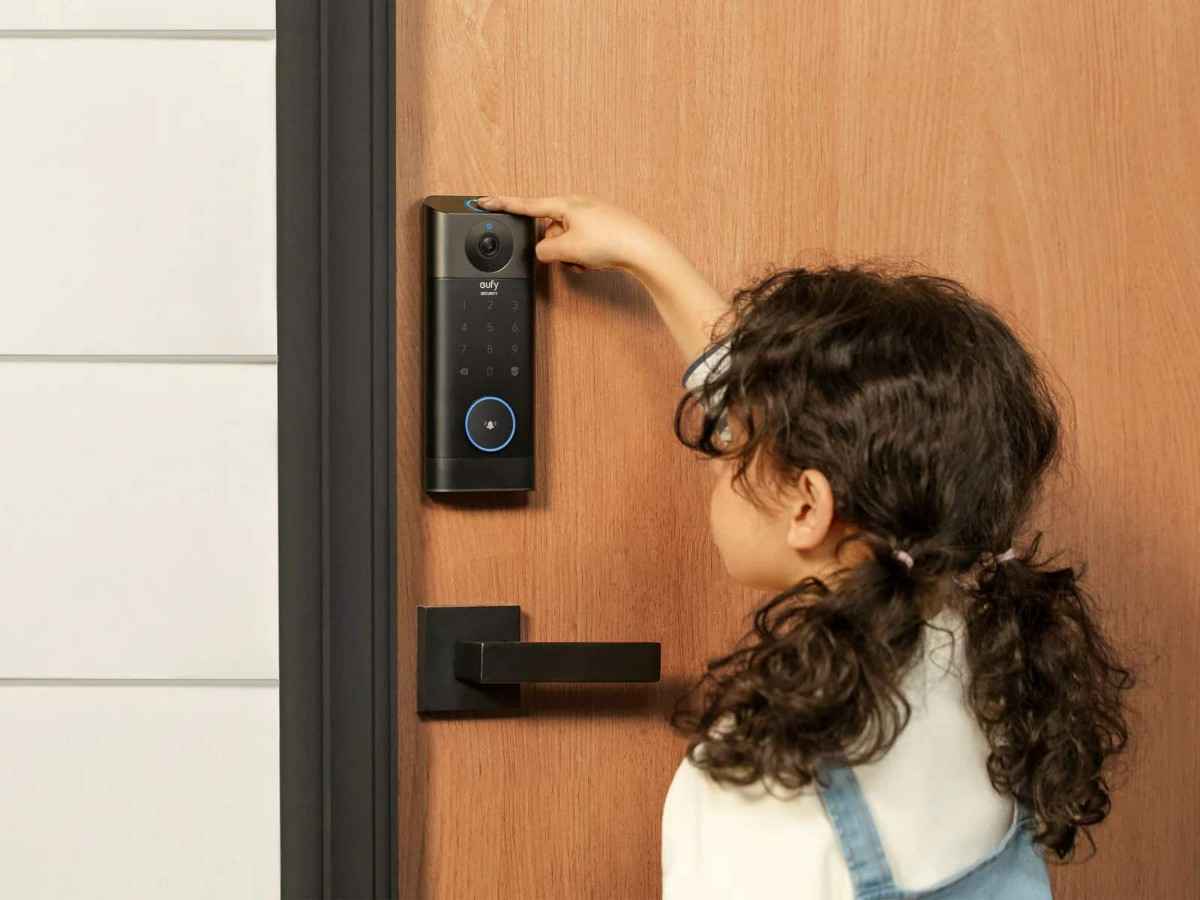
You walk up to your front door after a long day, expecting your smart lock to recognize your fingerprint instantly. Instead, nothing happens. The keypad doesn’t light up, the app won’t connect, and the lock refuses to respond. At first, it seems like a dead battery. Then you replace the batteries, and the problem remains. Situations like this are more common than many homeowners realize. Modern DBYR smart locks combine electronics, wireless communication, software, and mechanical components into a single security device. When one part of that system fails, the entire lock may appear unresponsive.
A non-working lock is more than an inconvenience. It can create security concerns, prevent remote access, and leave homeowners locked out at the worst possible moment. Fortunately, most issues can be diagnosed without replacing the lock.
This guide explains why a DBYR smart lock may stop responding and provides 11 proven troubleshooting steps that solve the most common connection and access problems. You’ll also learn how to prevent future failures and when it’s time to contact support.
Why a DBYR Smart Lock Stops Responding

A smart lock depends on multiple systems working together. If any one of those systems encounters a problem, the lock may appear completely dead.
Common causes include:
- Low battery voltage
- Fingerprint reader issues
- Bluetooth connectivity failures
- Wi-Fi communication problems
- Firmware bugs
- Door alignment issues
- User permission errors
- Internal motor faults
In many service calls, battery-related issues account for nearly half of smart lock failures. Homeowners often assume the lock itself is defective when the real problem is power delivery.
Common Warning Signs
Several warning signs usually appear before a complete failure occurs.
Watch for:
- Delayed unlocking
- Intermittent app connectivity
- Slow fingerprint recognition
- Flashing warning lights
- Unusual motor sounds
- Failed remote commands
Recognizing these symptoms early can prevent a lockout situation.
How a DBYR Smart Lock Communicates With Your Home Network

Understanding how the lock works helps make troubleshooting easier.
A typical DBYR smart lock communicates using:
- Bluetooth
- Wi-Fi gateway connections
- Mobile app synchronization
- Cloud-based account services
The communication process usually follows this path:
- User initiates a command
- App sends the request
- Lock receives authentication
- Motor activates
- Status updates return to the app
If communication fails at any point, the lock may appear offline or unresponsive.
DBYR Connectivity Requirements
Bluetooth generally works within:
- 30–50 feet indoors
- Up to 100 feet in open spaces
Wi-Fi performance depends on:
- Router location
- Wall materials
- Network congestion
- Signal strength
A lock installed behind brick walls may experience weaker communication than one mounted near an open hallway.
Fix #1: Check Battery Power

Low battery voltage remains the most common cause of smart lock issues.
Why It Happens
Many locks continue operating even when battery levels become critically low. Eventually, however, voltage drops below the minimum operating threshold.
Steps to Check
- Remove the battery cover
- Inspect battery condition
- Look for corrosion
- Replace all batteries simultaneously
- Use fresh premium alkaline batteries
Common Mistake
Many homeowners replace only one battery instead of the full set.
Expected Result
The lock should power up immediately and restore normal functionality.
Most smart lock batteries last:
- 6–12 months for heavy usage
- 12–18 months for average households
Fix #2: Verify Fingerprint Reader Performance

Fingerprint readers are sensitive devices.
Why It Happens
Common causes include:
- Dirty sensors
- Moisture buildup
- Scratched scanner surfaces
- Finger placement errors
Steps to Fix
- Clean the scanner with a microfiber cloth
- Remove dirt and oils
- Re-register fingerprints if needed
- Test multiple stored fingerprints
Real-World Example
A homeowner with a south-facing front door noticed fingerprint failures every summer afternoon. Direct sunlight heated the scanner surface and reduced recognition accuracy.
Expected Result
Fingerprint scans should register within one to two seconds.
Fix #3: Test Manual Unlock Methods

Always verify backup entry options.
Why It Happens
Electronic failures don’t always indicate mechanical problems.
Test These Methods
- Physical key override
- Backup passcode
- Temporary access code
- Emergency power connection
Common Mistake
Many users never test backup access methods until an emergency occurs.
Expected Result
At least one alternative entry method should function normally.
Fix #4: Check Bluetooth or Wi-Fi Connectivity

Connectivity issues often make a lock appear unresponsive, which is also a common challenge when configuring Ring thermostat automation in a connected home.
Why It Happens
Wireless communication can fail due to:
- Router changes
- Signal interference
- Network updates
- Bluetooth pairing issues
Troubleshooting Steps
- Move closer to the lock
- Disable and re-enable Bluetooth
- Confirm Wi-Fi availability
- Restart the mobile device
Expected Result
The lock should reconnect and begin responding to app commands.
Fix #5: Restart the Lock System

Temporary software glitches occasionally affect lock performance.
Why It Happens
Like smartphones and computers, smart locks run firmware that may occasionally freeze.
Steps
- Remove batteries
- Wait 60 seconds
- Reinstall batteries
- Restart the app
Common Mistake
Users immediately perform a factory reset instead of attempting a simple restart first.
Expected Result
The system should reboot and clear temporary errors.
Fix #6: Update the Mobile App

An outdated app can cause communication failures.
Why It Happens
Manufacturers frequently release updates that improve:
- Security
- Compatibility
- Connectivity
Steps
- Visit your app store
- Check for updates
- Install the latest version
- Restart the app
Expected Result
Improved synchronization and restored lock communication.
Fix #7: Verify User Permissions

Access permissions sometimes create confusion.
Why It Happens
Account changes may remove access rights without affecting lock operation.
Check These Settings
- User access level
- Shared account permissions
- Family member access
- Administrative controls
Example
A homeowner changed primary account settings and accidentally removed their spouse’s access permissions.
Expected Result
Authorized users regain normal access.
Fix #8: Inspect Door Alignment

Mechanical issues often mimic electronic failures.
Why It Happens
Doors naturally shift over time.
Common causes include:
- Seasonal expansion
- Foundation movement
- Loose hinges
- Frame settling
Inspection Steps
- Open the door
- Test lock operation
- Check deadbolt alignment
- Inspect strike plate position
Expected Result
The lock motor should operate without resistance.
Fix #9: Remove and Reconnect the Lock

Sometimes the connection profile becomes corrupted.
Why It Happens
Network changes can create communication conflicts.
Reconnection Steps
- Remove the device from the app
- Restart the phone
- Begin setup again
- Complete pairing
Common Mistake
Skipping the removal process before reconnecting.
Expected Result
Fresh communication settings eliminate connection errors.
Fix #10: Check for Firmware Updates

Firmware controls how the lock operates.
Why It Happens
Outdated firmware can create:
- Stability issues
- Security vulnerabilities
- Compatibility problems
Steps
- Open the app
- Navigate to device settings
- Check firmware status
- Install available updates
Expected Result
Improved reliability and performance.
Fix #11: Perform a Factory Reset

This should be the final troubleshooting step.
Why It Happens
Factory resets remove corrupted settings.
Before Resetting
Confirm you have:
- Account credentials
- Access codes
- Network information
Reset Process
Follow manufacturer instructions carefully.
Expected Result
The lock returns to factory settings and can be configured from scratch.
Common DBYR Smart Lock Problems Homeowners Experience

DBYR Fingerprint Recognition Failures
Fingerprint issues usually result from:
- Dirty sensors
- Improper registration
- Environmental conditions
Maintaining a clean scanner significantly improves accuracy.
DBYR Battery Drain Issues
Rapid battery drain often occurs because of:
- Poor Wi-Fi signals
- Frequent access attempts
- Cold temperatures
In my experience, weak wireless signals force smart locks to work harder and consume batteries faster.
DBYR App Synchronization Problems
Synchronization issues commonly occur after:
- Phone replacements
- App updates
- Account changes
Logging out and back into the account often resolves these problems.
DBYR Lock Motor Errors
Motor failures are less common but can occur due to:
- Mechanical resistance
- Misaligned deadbolts
- Worn components
Most lock motors last between 7 and 10 years under normal residential use.
How to Prevent Future Problems

Preventive maintenance reduces unexpected failures.
Follow these practices:
- Replace batteries annually
- Clean fingerprint sensors monthly
- Update firmware regularly
- Test backup access methods quarterly
- Check door alignment twice per year
These simple steps can prevent many common issues.
When to Contact DBYR Support

Some problems require professional assistance.
Contact support if:
- Multiple resets fail
- The motor no longer operates
- Hardware damage is visible
- Error codes persist
- Connectivity remains unstable after troubleshooting.
Gather:
- Device model number
- Firmware version
- Error messages
- Purchase information
This information speeds up support requests.
FAQ
Why is my DBYR smart lock not responding?
Low batteries, communication failures, firmware problems, and door alignment issues are among the most common causes.
Can a dead battery lock me out?
Most smart locks include backup access methods such as keys, emergency power ports, or passcodes.
How often should I replace batteries?
For most households, replacing batteries every 12 months helps prevent unexpected failures.
Why won’t my fingerprint scan work?
Dirty sensors, dry skin, moisture, or incorrect fingerprint registration can reduce recognition accuracy.
Is factory reset safe?
Yes, provided you have access to your account credentials and setup information before beginning the process.
Conclusion
When a DBYR smart lock stops responding, the problem is often simpler than it appears. Batteries, connectivity settings, app synchronization, and door alignment account for most service calls.
Before assuming the hardware has failed, work through a systematic checklist:
- Check battery condition
- Test backup access methods
- Verify Bluetooth and Wi-Fi connectivity
- Update the app
- Inspect door alignment
- Review firmware status
Most homeowners restore functionality without replacing the lock.
Going forward, regular maintenance plays a major role in long-term reliability. Clean the fingerprint sensor, replace batteries before they become critically low, and keep software updated. These small habits reduce the risk of future lockouts and help ensure your smart lock continues protecting your home effectively.





Leave a Reply